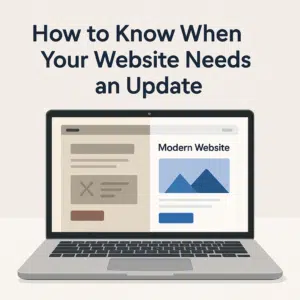
How to Know When Your Website Needs an Update
1. Your design looks outdated
If your website still looks like it was made in 2015, visitors will notice immediately.
Modern users expect clean layouts, high-quality images, and a mobile-friendly design.
Trends and technology evolve quickly — updating your website keeps your brand relevant and professional.
2. It’s not mobile-friendly
More than half of online traffic now comes from smartphones.
If your website doesn’t adjust properly to smaller screens, users will leave within seconds.
Responsive design isn’t just about looks — it directly affects SEO and user satisfaction.
3. Slow loading times
A slow website means lost visitors and lower Google rankings.
If your site takes more than 3 seconds to load, it’s time for an update.
Modern websites use optimised code, compressed images, and fast hosting to keep speed at its best.
4. Your content is outdated or irrelevant
Old pricing, broken links, or services you no longer offer create confusion.
Refreshing your content with accurate information, new images, and updated contact details shows that your business is active and trustworthy.
5. Poor SEO performance
If you’re not getting visitors from Google anymore, your SEO might be outdated.
Website updates help you apply new SEO standards, improve keywords, and fix technical issues that hold your site back.
6. You can’t easily make changes yourself
If your website requires a developer for every small edit, it’s time for a rebuild.
Modern platforms like WordPress allow you to update text, images, and posts easily — saving you time and money.
🚀 Final thoughts
Your website should evolve with your business. If it feels slow, outdated, or difficult to manage, it’s probably time for an upgrade.